

D10 VW "H" Features
FEATURES
Apple CarPlay
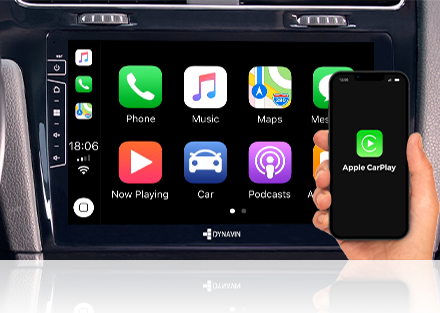
With Apple CarPlay, iPhone users have an incredibly intuitive solution on board to make calls, use maps, listen to music and use messages with just a word or the touch of a button. Dynavin 10 supports wireless and wired CarPlay.
For a description of CarPlay and a list of compatible apps, visit: https://www.apple.com/ios/carplay/.
Android Auto
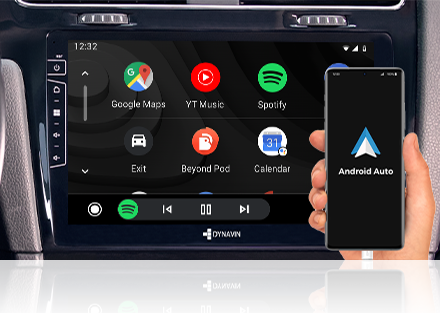
Android Auto seamlessly projects your phone’s essential apps—like Google Maps, messaging, and music—directly onto the Dynavin. Designed for safer driving, it lets you manage navigation, calls, and media hands-free using simple voice commands or easy-to-use touch controls.
Customizable Start Screen (Boot Logo)
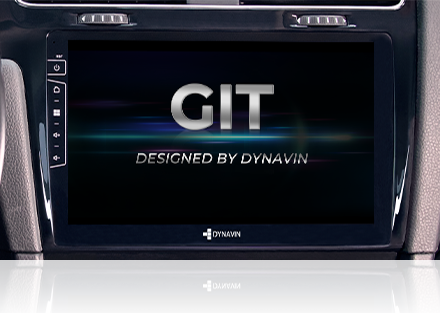
With our own DynOS operating system, you have the option of changing the picture on the start screen and the logos of the stored radio stations.
Steering Wheel Control Integration
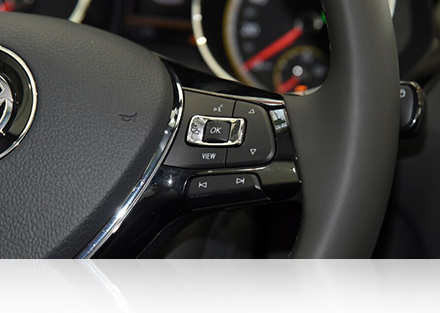
The Dynavin system is compatible with the steering wheel of your vehicle. This upgrade still allows you to use the button functions as usual.
Backup Camera
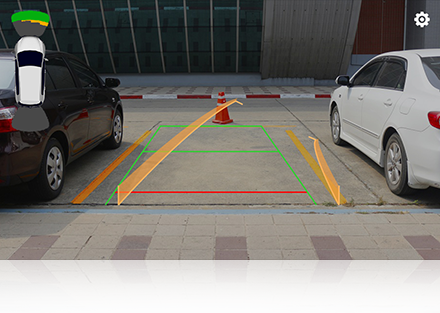
Integrates with the VW OEM backup camera with the Dynavin VW camera adapter (sold separately). Also compatible with aftermarket front/backup cameras.
PDC Integration
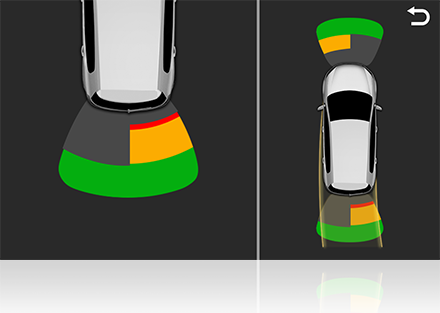
Retains OEM parking sensors (if equipped). If your vehicle is equipped with factory parking sensors, this functionality is retained when upgrading to the Dynavin system.
Multifunction Display
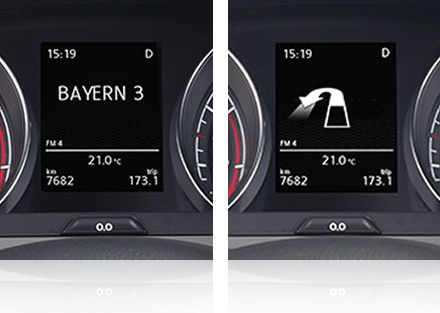
The multi-function display (MFA) in the instrument cluster is linked to the Dynavin system and can display radio station names, ID3 tag from media player, caller information, navigation information and the compass (The MFD's navigation menu needs to be activated if you don't have it in your vehicle ).
Climate Indicator
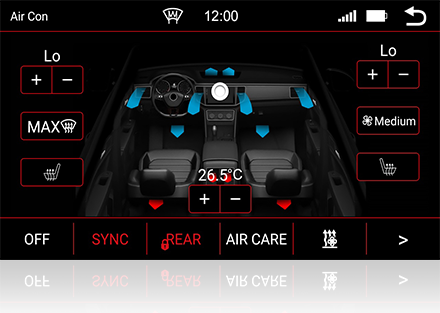
The Dynavin system gives you visual feedback on driver and passenger temperatures, climate control status, heated seat status, selected air vents and more. This screen appears after pressing the MENU button on the HVAC panel (only for vehicles with air conditioning "Air Care Climatronic ").
Driving Modes
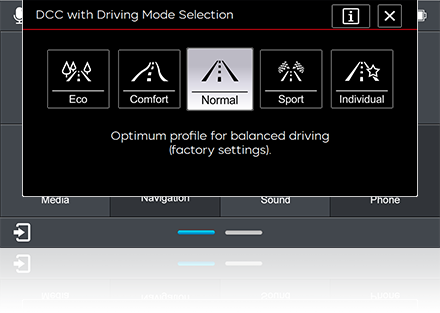
Retains driver profile selection. Allows you to select and set different driving modes via the touchscreen.
Vehicle Settings (Car Menu)
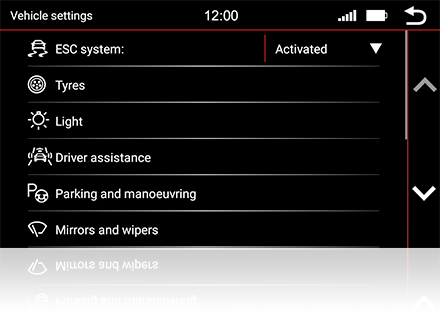
The Dynavin retains the entire vehicle settings menu in the factory display. This means that all electronic devices that you can set via the factory display can continue to be set via the Dynavin.
Vehicle Information
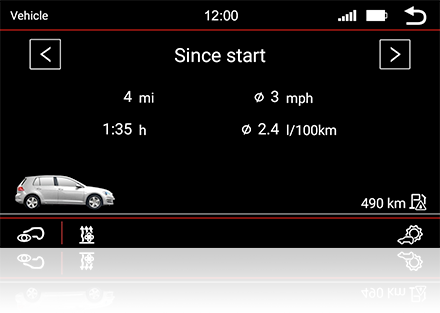
The driving information is shown on the Dynavin platform display. So you can continue to see the fuel level, range, fuel consumption, outside temperature and much more.
Compatible with VW eCall/Emergency Assistant
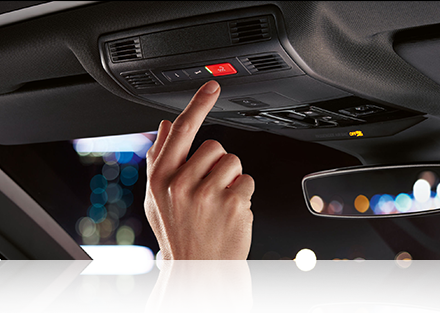
The Dynavin platform is compatible with the VW E-call (SOS) system. This eliminates the E-call warning message in the instrument display and you do not lose this important function of your vehicle.
Compatible with VW traffic sign recognition and lane departure warning system
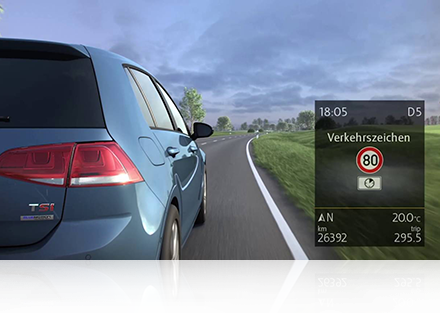
VW traffic sign recognition and lane departure warning are very important driving assistance functions in VW vehicles. With the DVN-CANMIB-H you can keep these functions even after the installation of the Dynavin unit.
Compatible with Fender (Dynaudio) Sound System
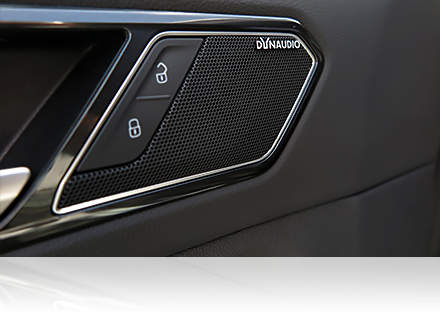
The Dynavin platform is compatible with the original VW Fender and Dynaudio sound system. MOST adapter required and sold separately.
SiriusXM Satellite Radio Ready
Add the SiriusXM Connect Vehicle tuner (SiriusXM tuner sold separately) to listen to your SiriusXM subscription anytime, anywhere.
Dynaway GPS Navigation Software (pre-installed maps for North America)
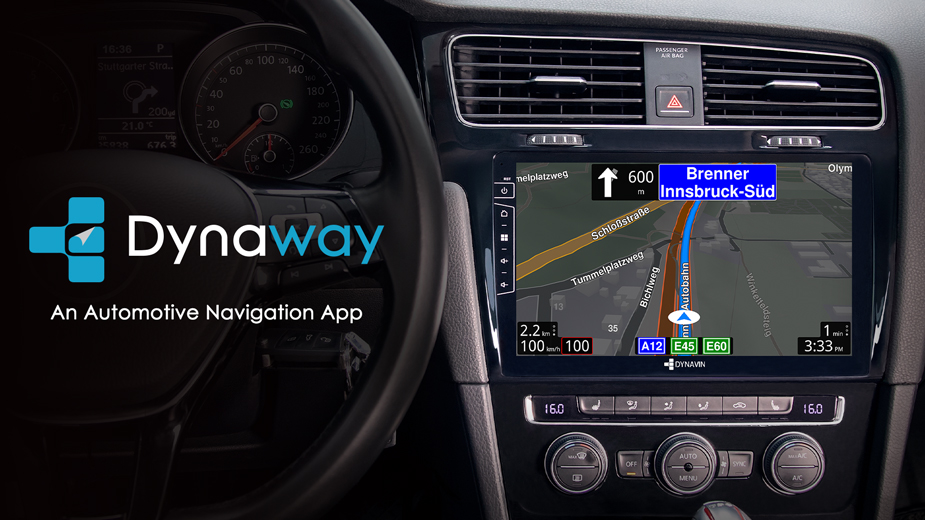
Onboard GPS navigation with 3D view, online TMC* and TTS. Dynaway allows one free map update within 30 days of first use. Purchase and download the latest map data from flex.dynavin.com. 3 or 7 years of unlimited map data updates available for purchase at flex.dynavin.com. Additional map regions are also available for purchase.
Equalizer Presets

Extensive sound adjustment options to get the best out of your sound system and adjust to your preference. The built-in 16-band parametric EQ allows separate adjustment for the front and rear channels with professional-level precision.
Fader and Balance

Simply drag the crosshairs on the touchscreen to the desired position on the illustration of the vehicle interior to set the fader balance and time correction.